![Vapid Executioner [Add-On | Sounds]](https://img.gta5-mods.com/q75-w500-h333-cfill/images/vapid-executioner-add-on/e75c3a-1.jpg "Vapid Executioner [Add-On | Sounds]")
![Vanillaworks Extended Livery Pack [Add-On | OIV | Liveries]](https://img.gta5-mods.com/q75-w500-h333-cfill/images/vanillaworks-extended-livery-pack-add-on-oiv-liveries/364bdd-VELP.jpg "Vanillaworks Extended Livery Pack [Add-On | OIV | Liveries]")
![Dispatchworks Pack [Add-On | OIV | Tuning | Liveries | Sounds]](https://img.gta5-mods.com/q75-w500-h333-cfill/images/dispatchworks-pack-add-on-oiv-tuning-liveries/9fe102-DW.jpg "Dispatchworks Pack [Add-On | OIV | Tuning | Liveries | Sounds]")
![Vapid New Yankee [Add-On / Replace]](https://img.gta5-mods.com/q75-w500-h333-cfill/images/vapid-new-yankee-add-on-replace/be5f65-20171027214719_1.jpg "Vapid New Yankee [Add-On / Replace]")
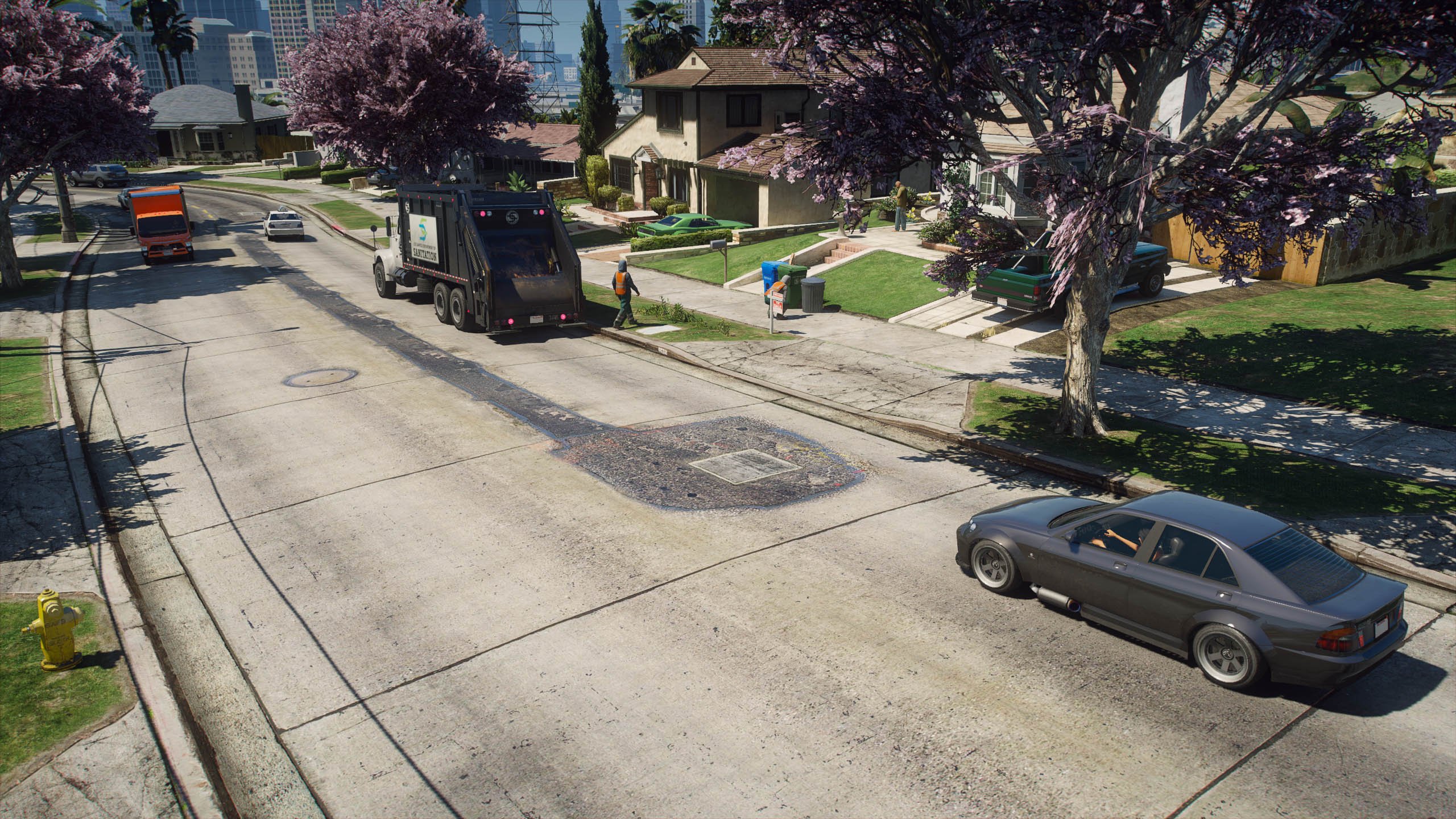
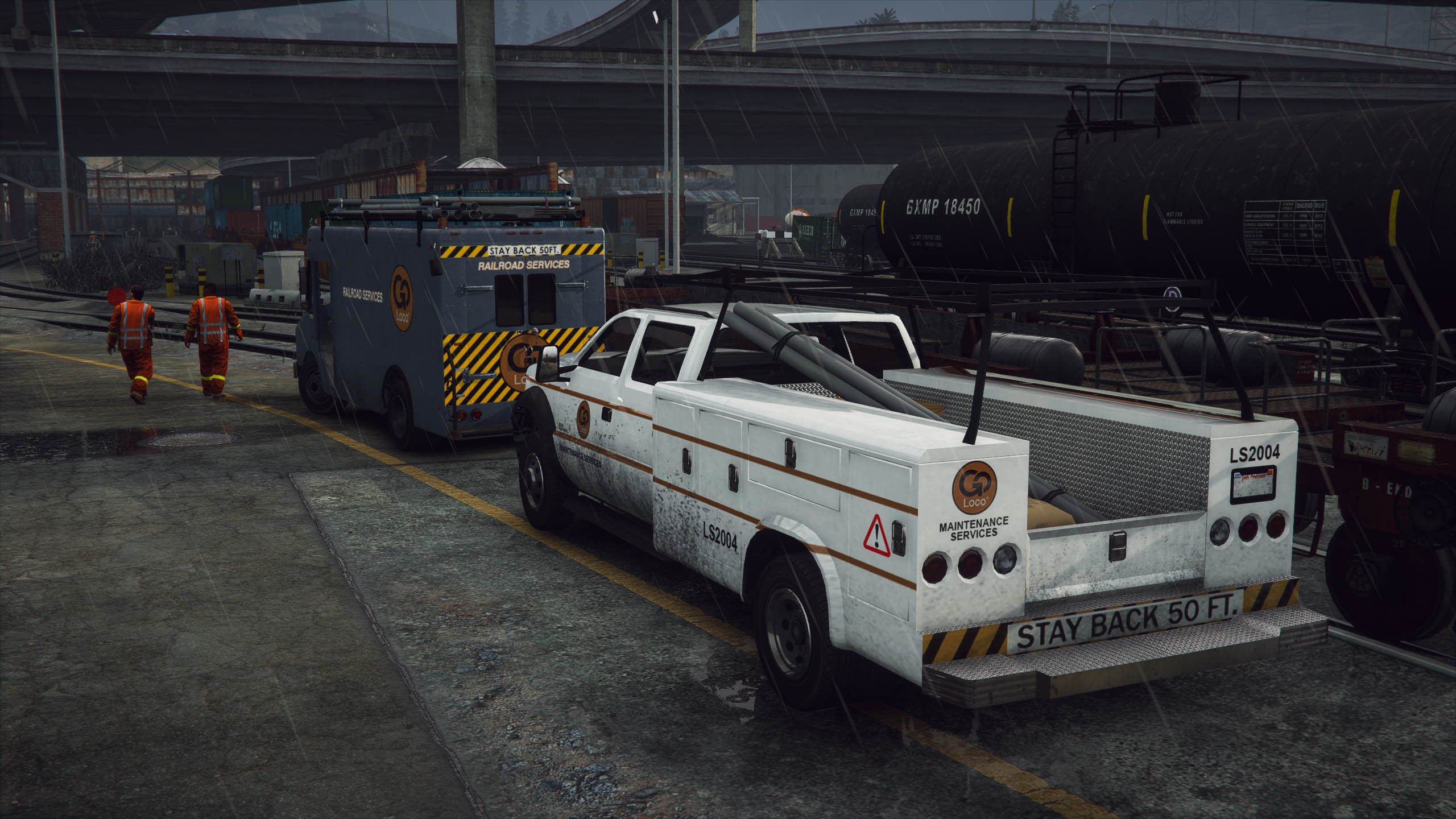
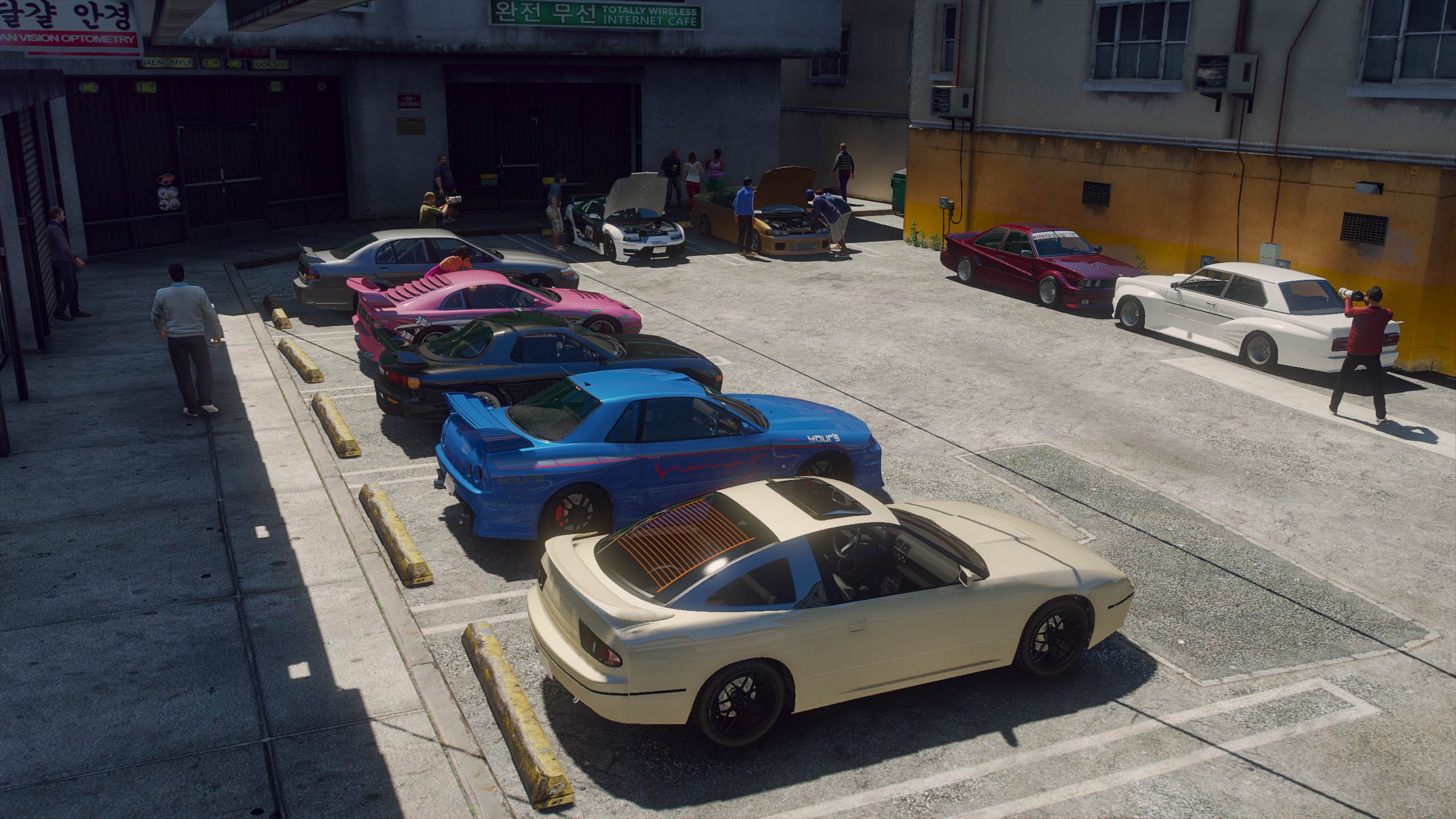
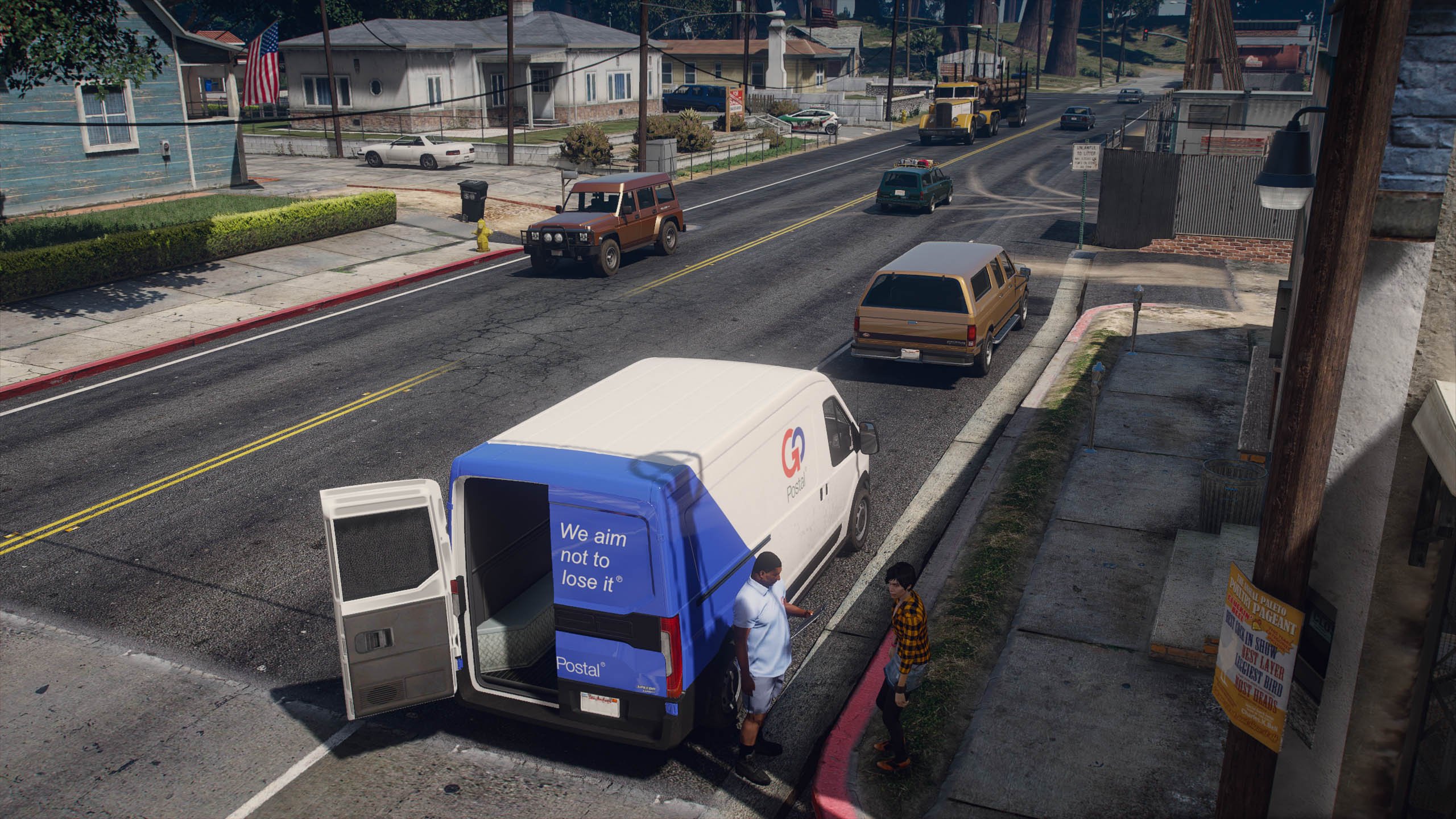
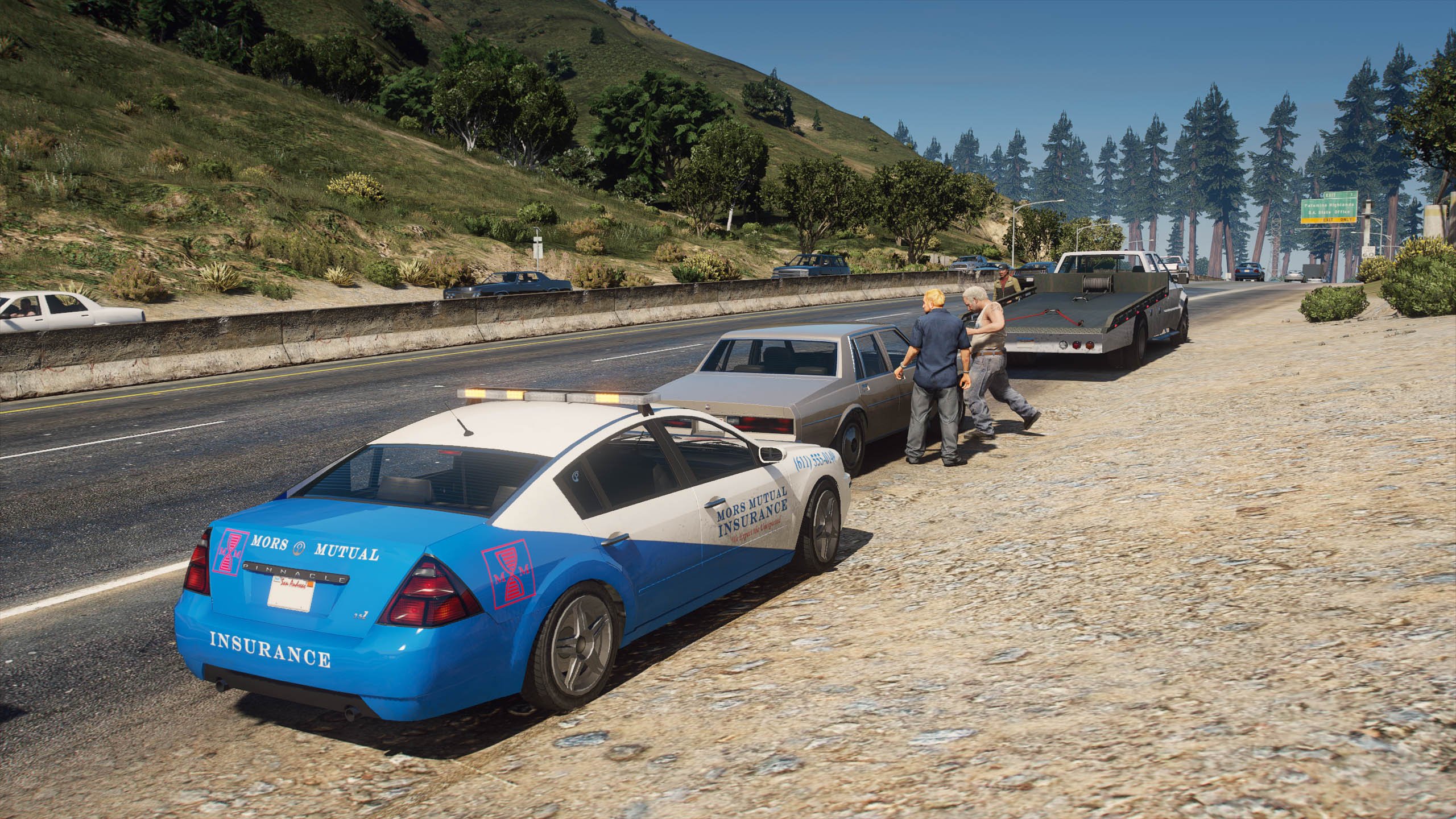
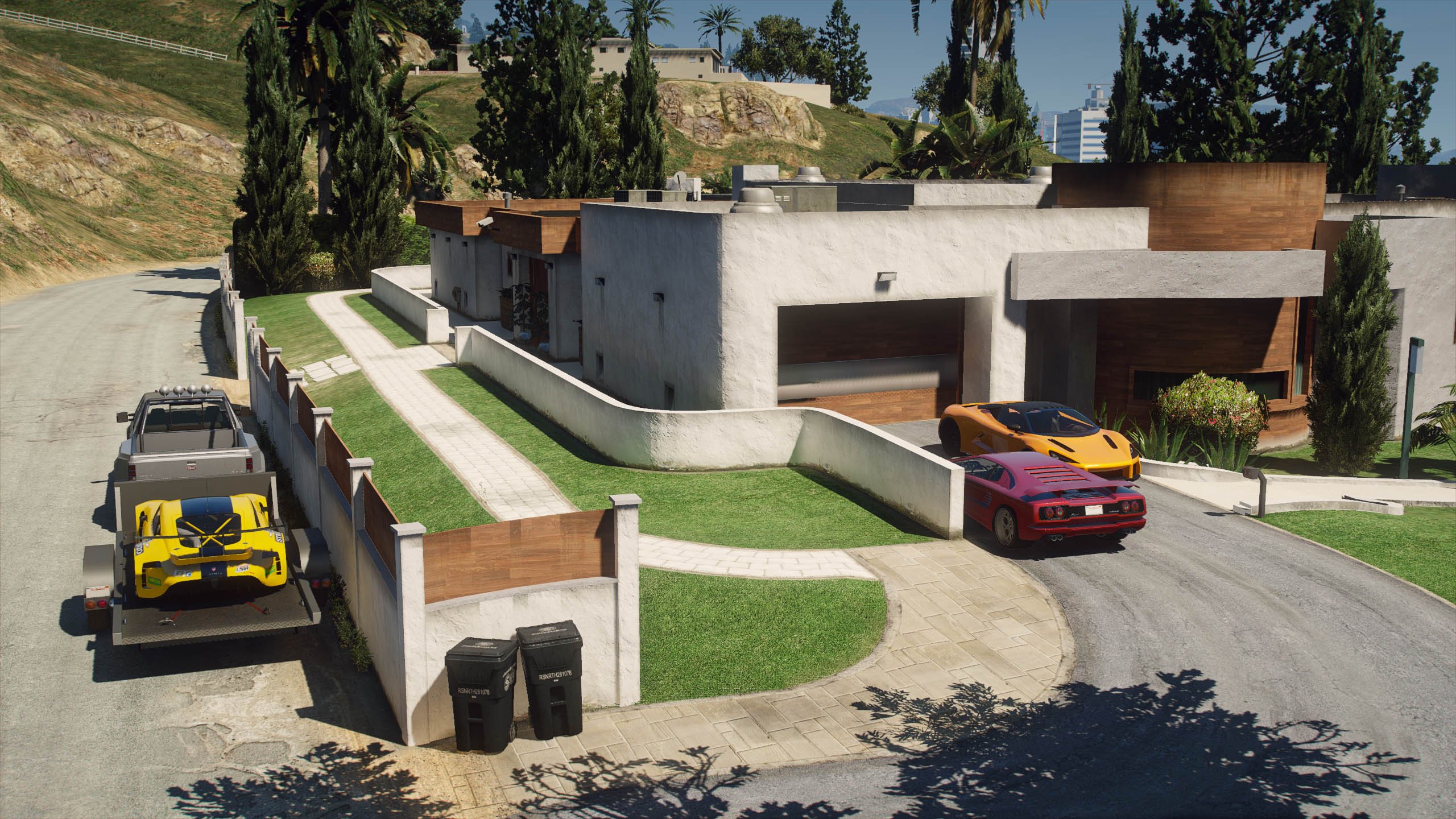
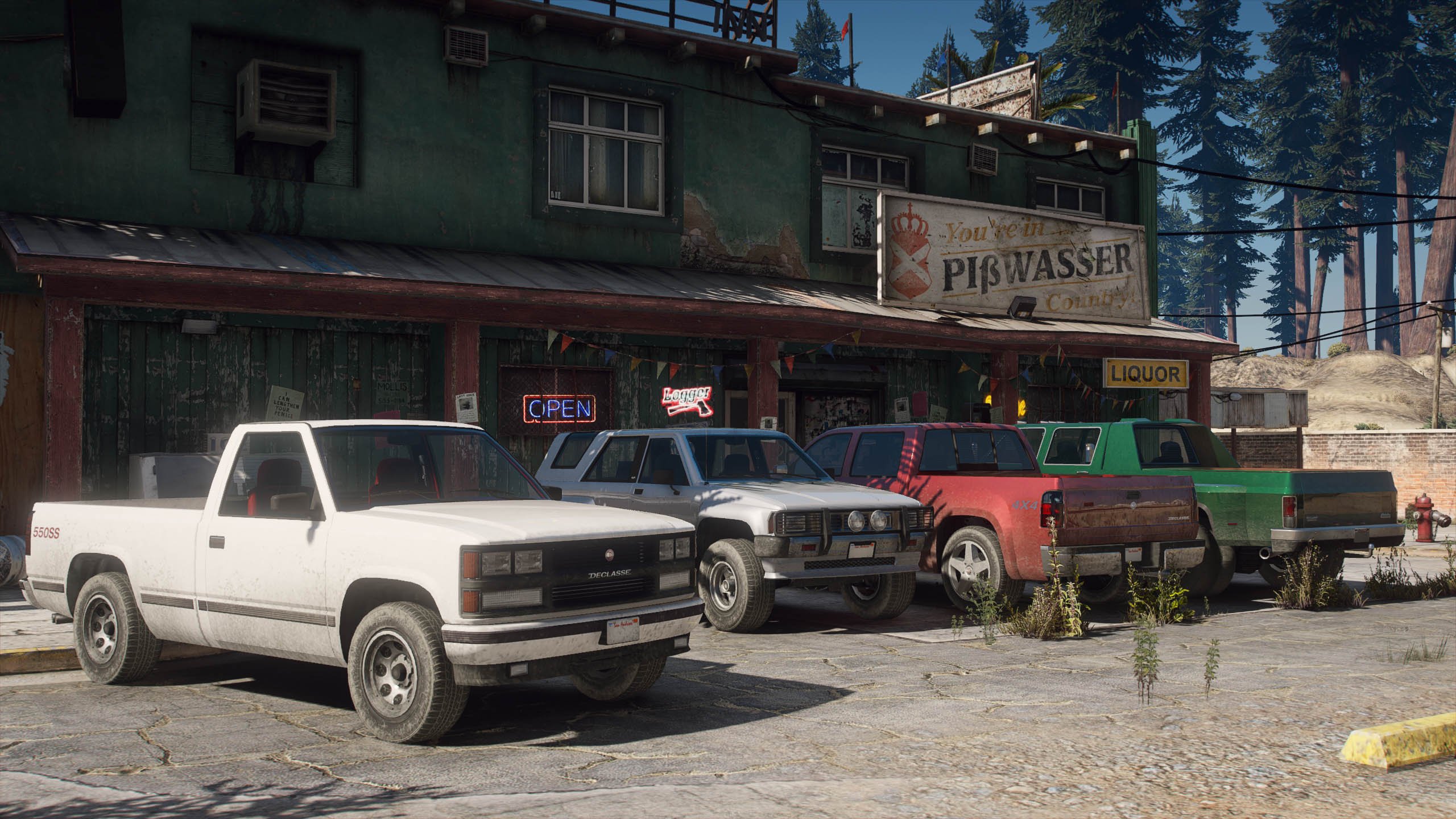
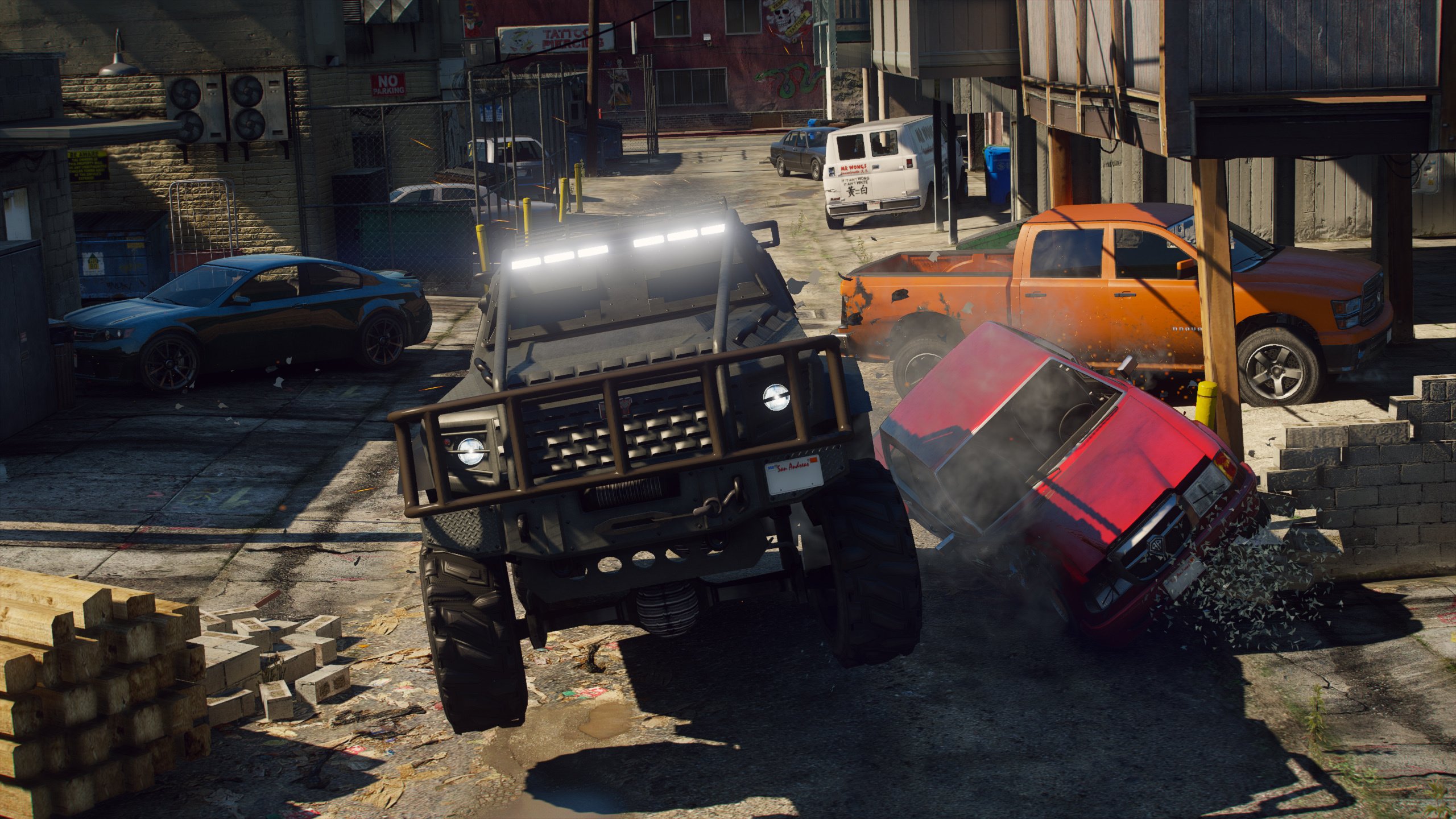
454.103
2.576
454.103
2.576
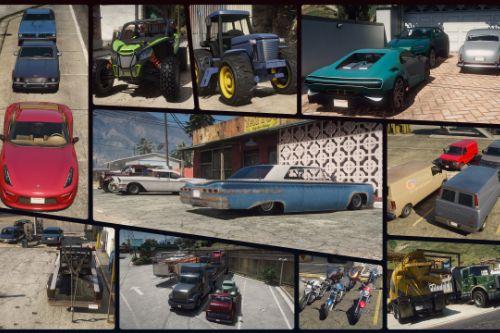
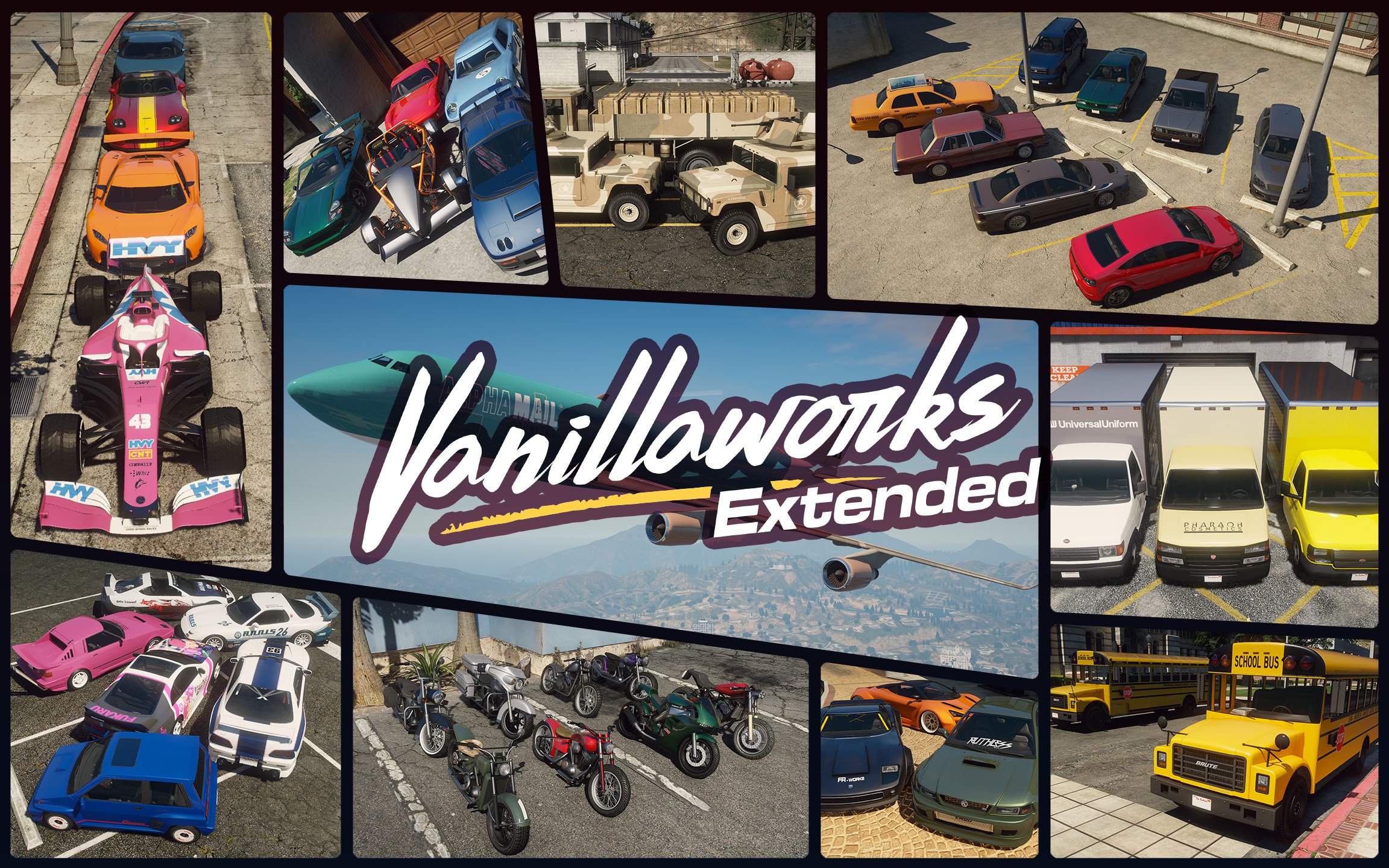
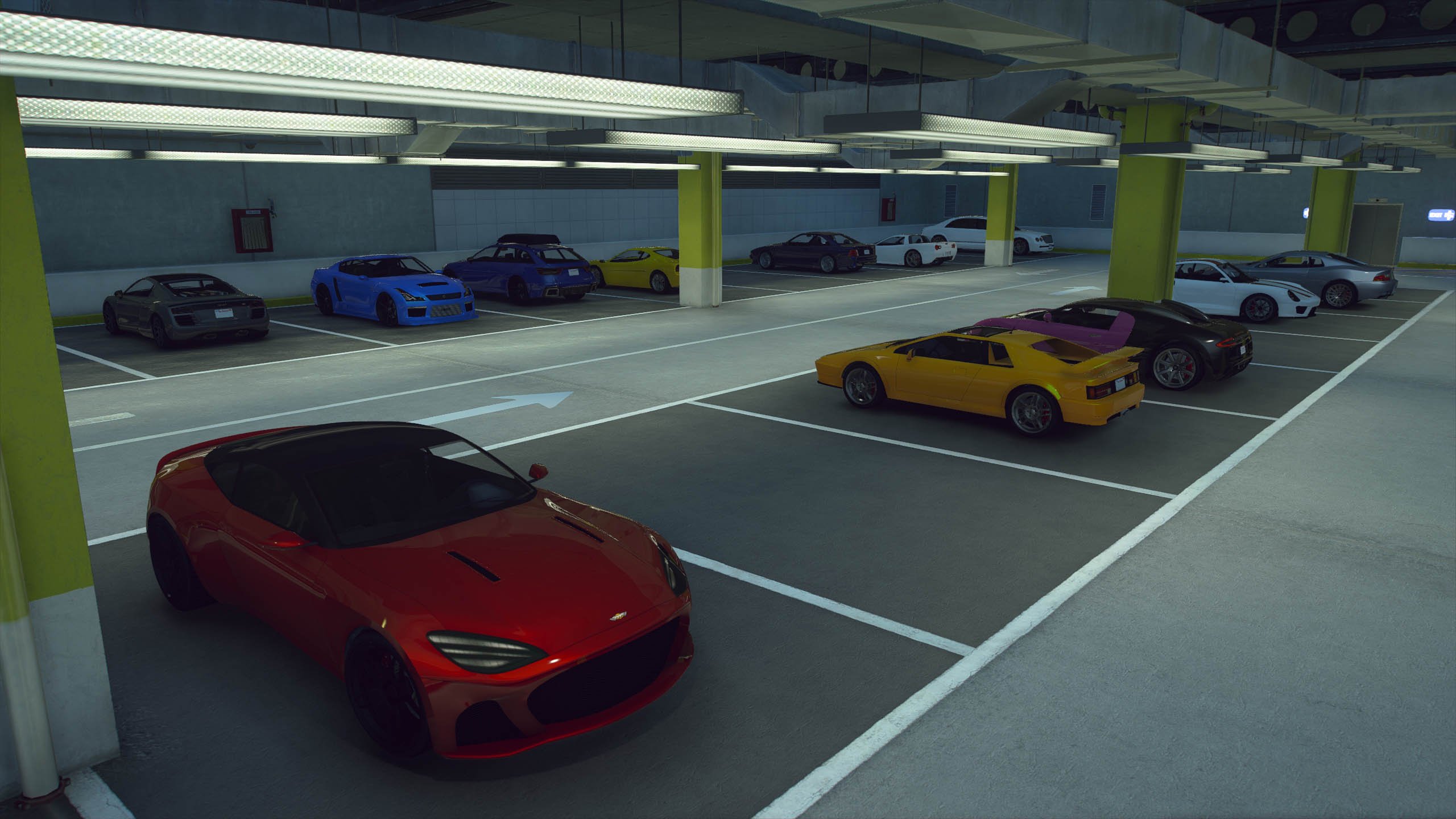
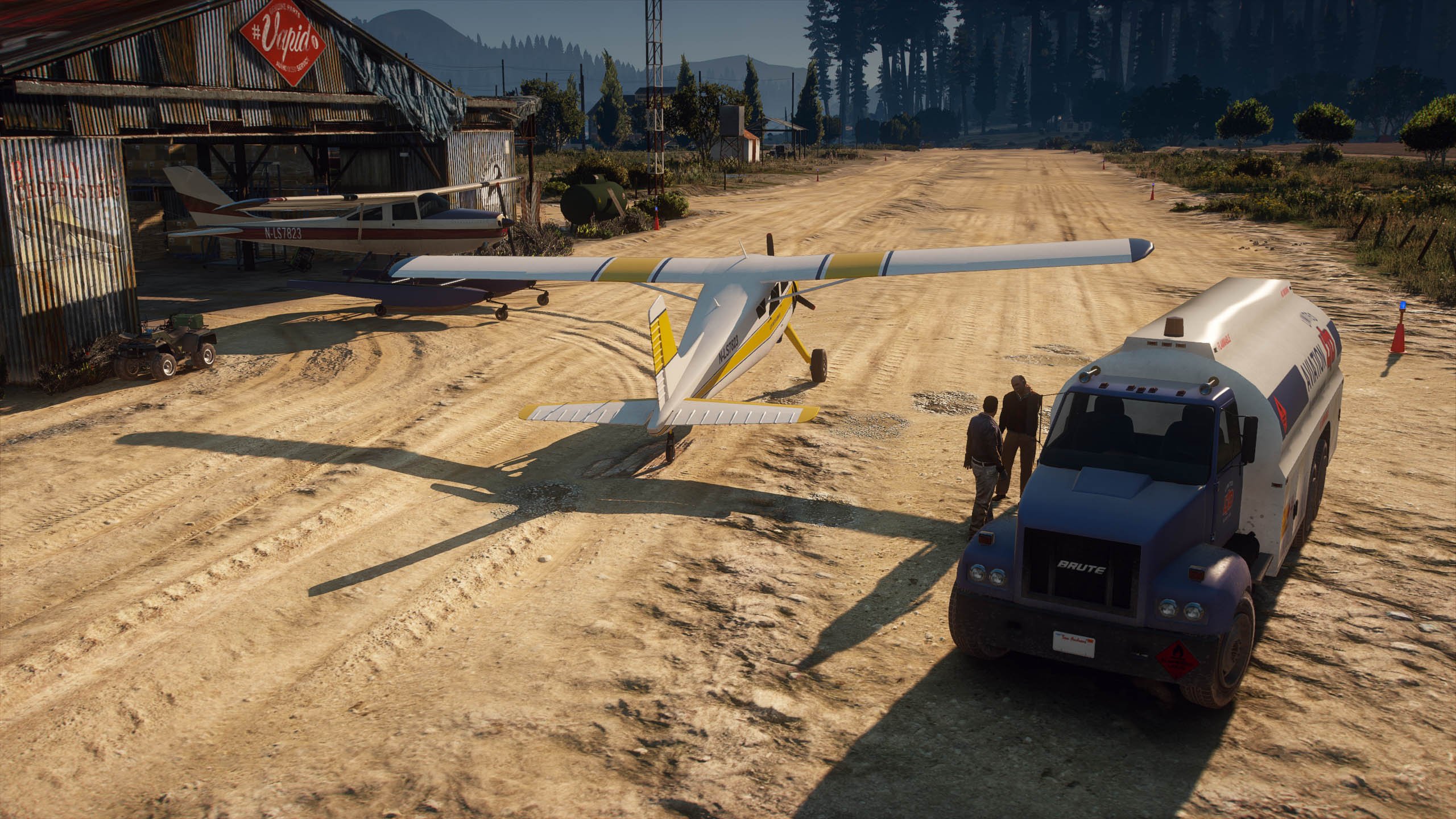
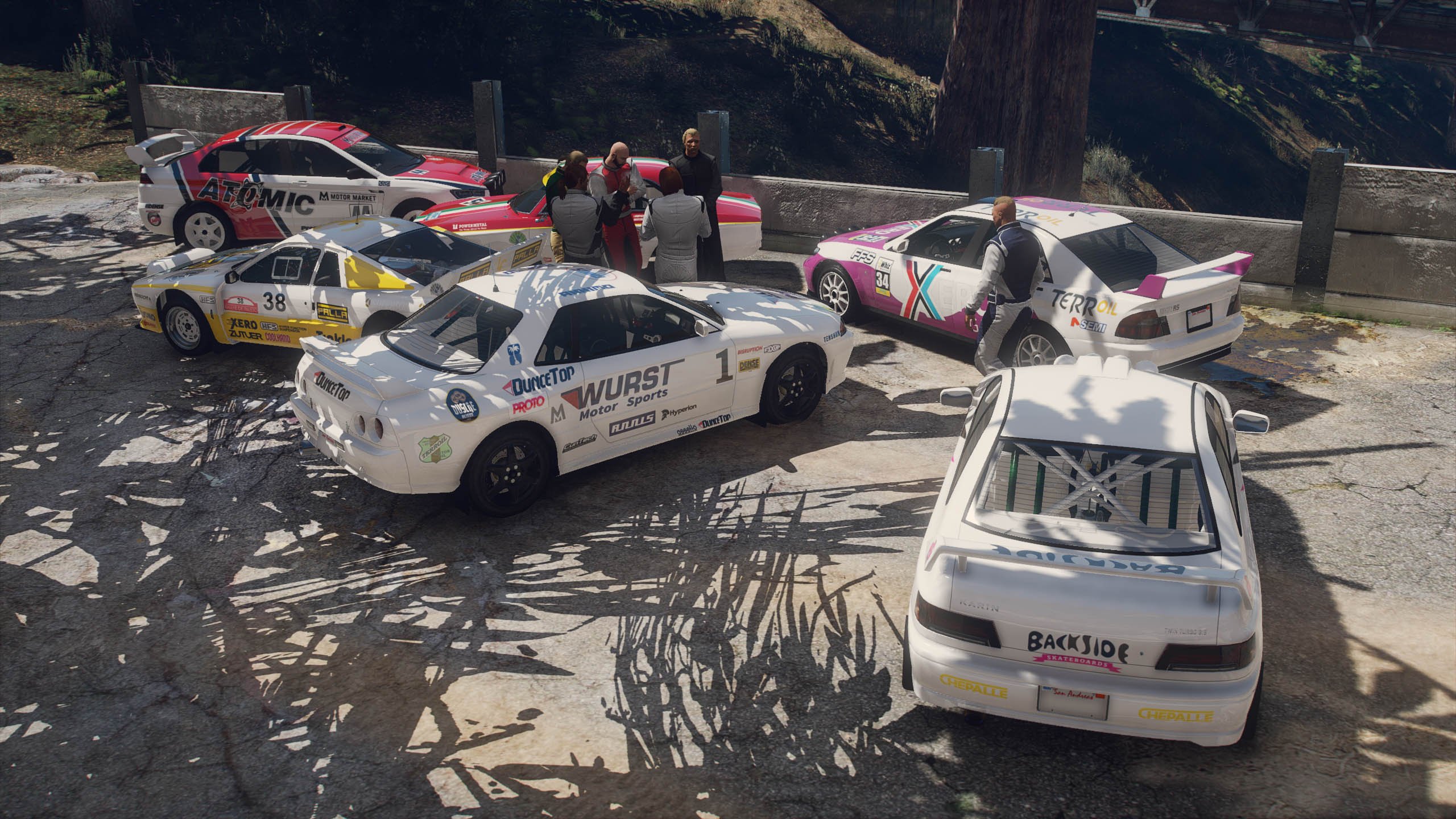
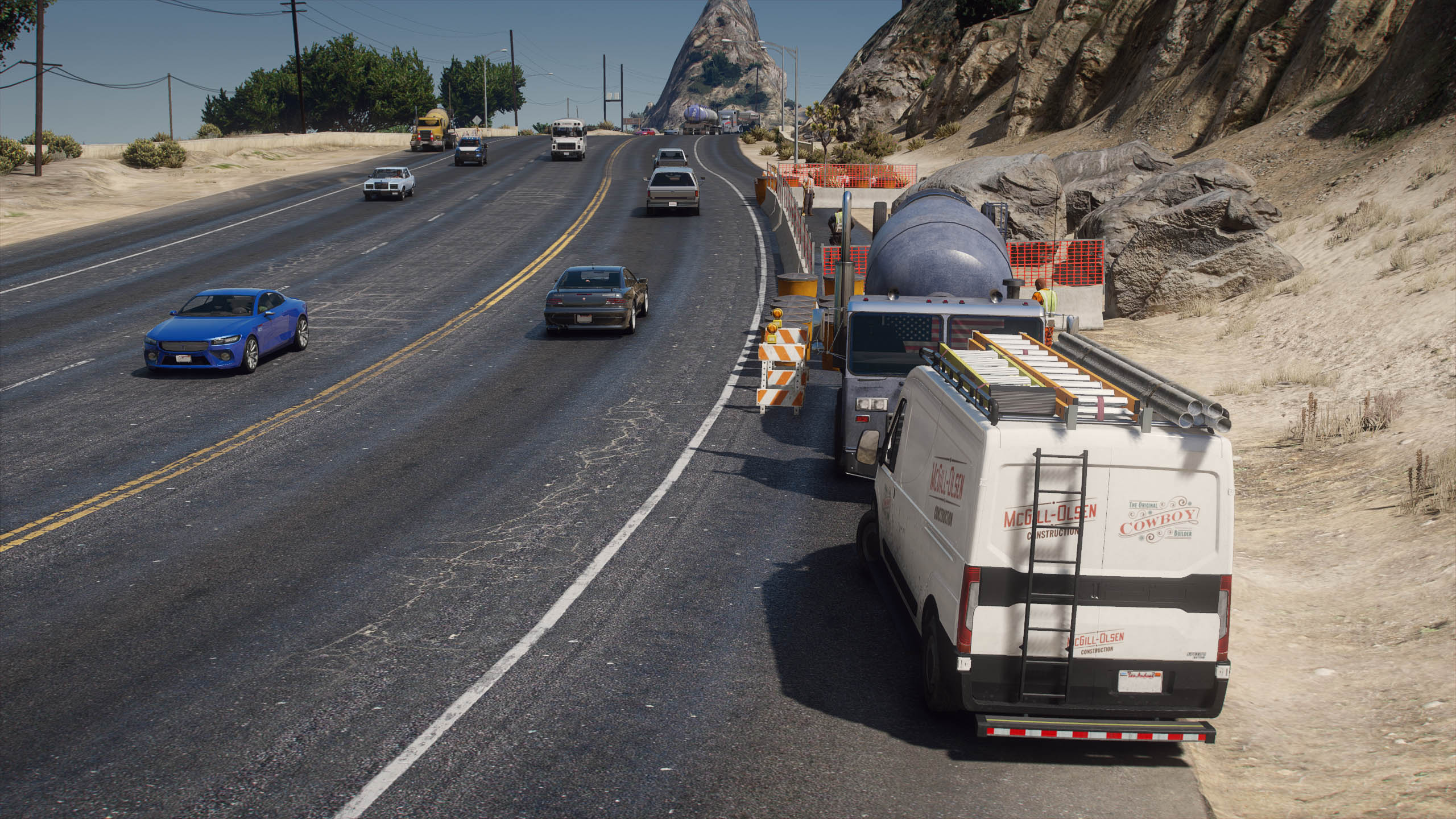
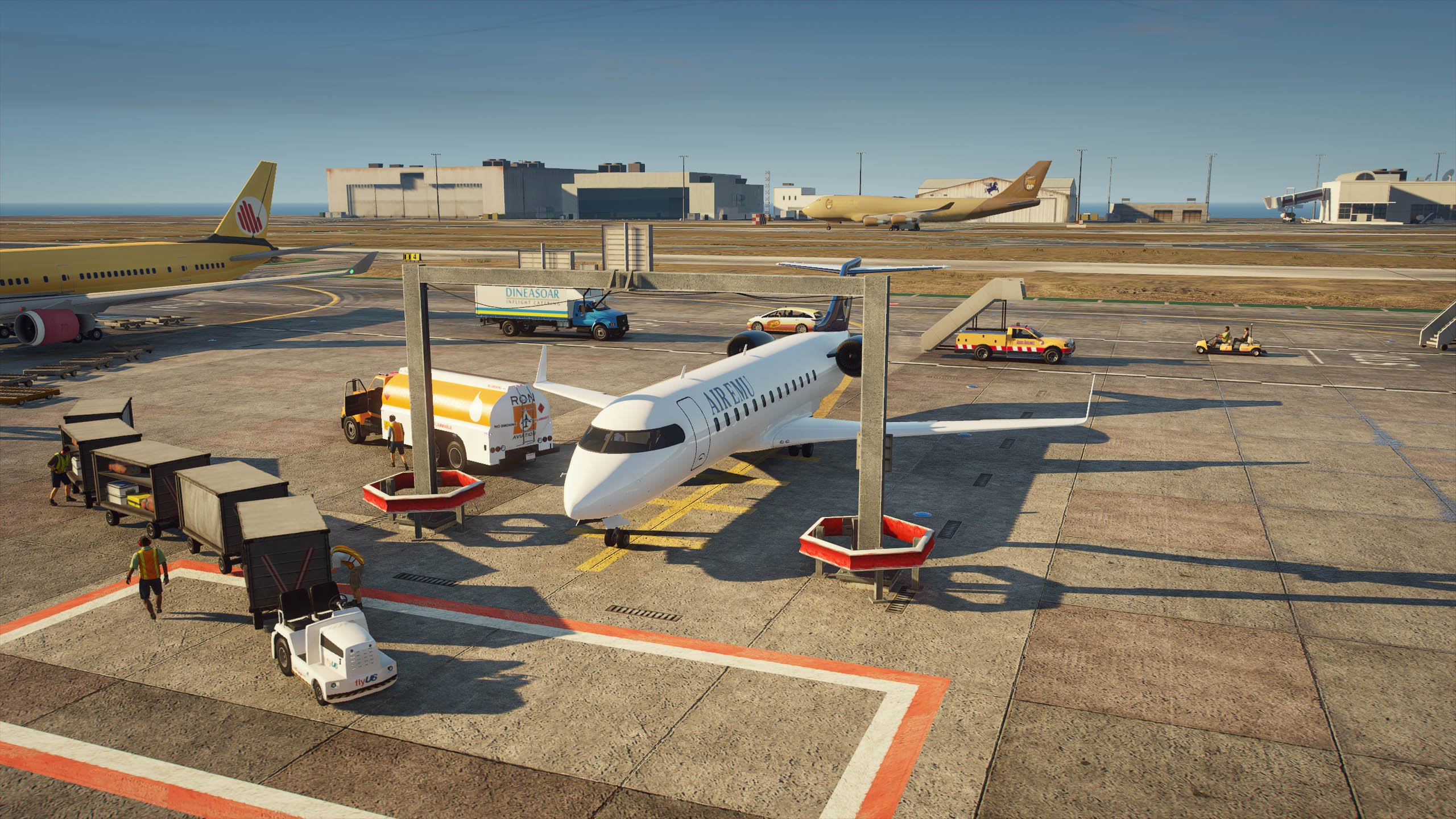
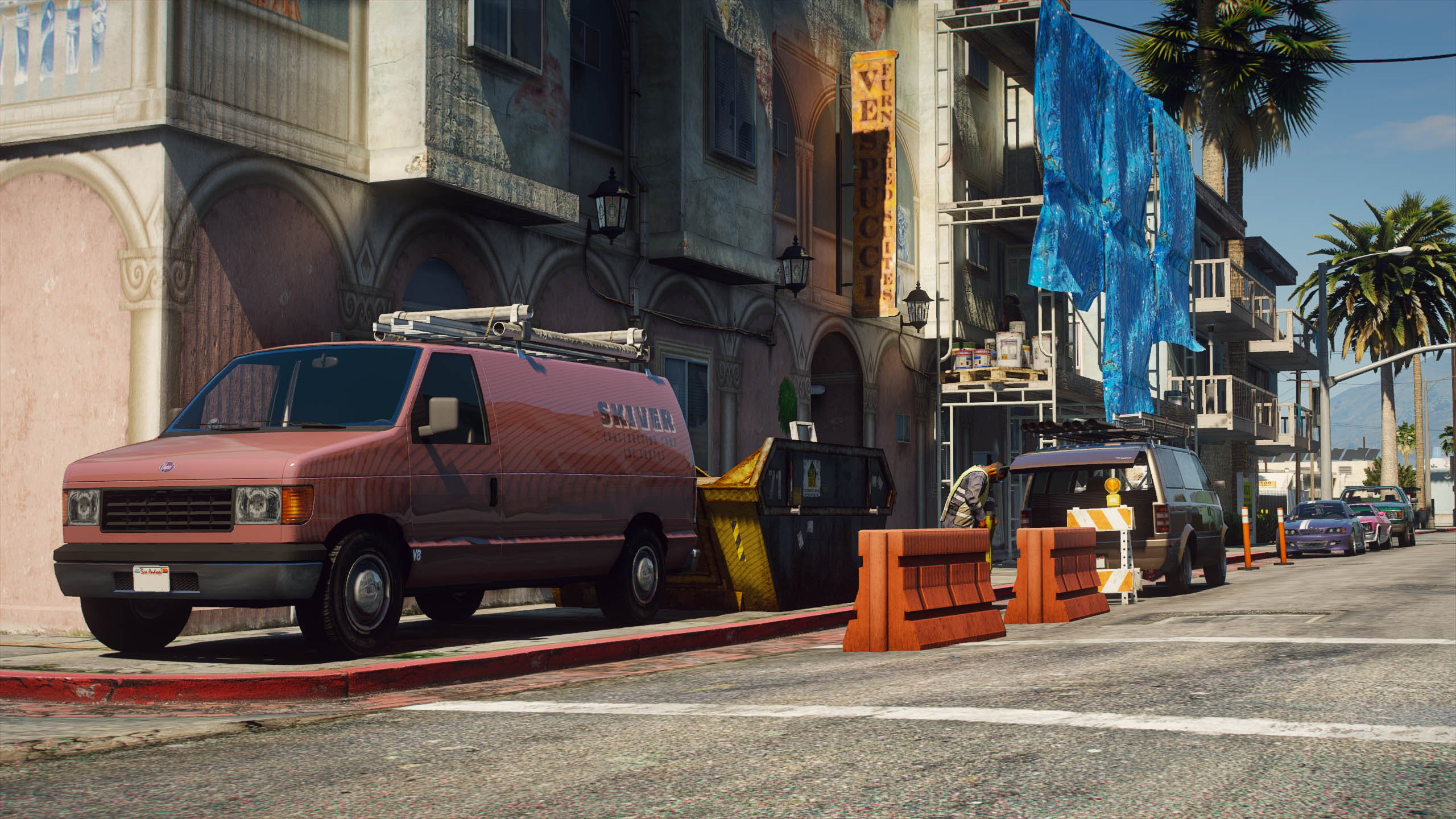
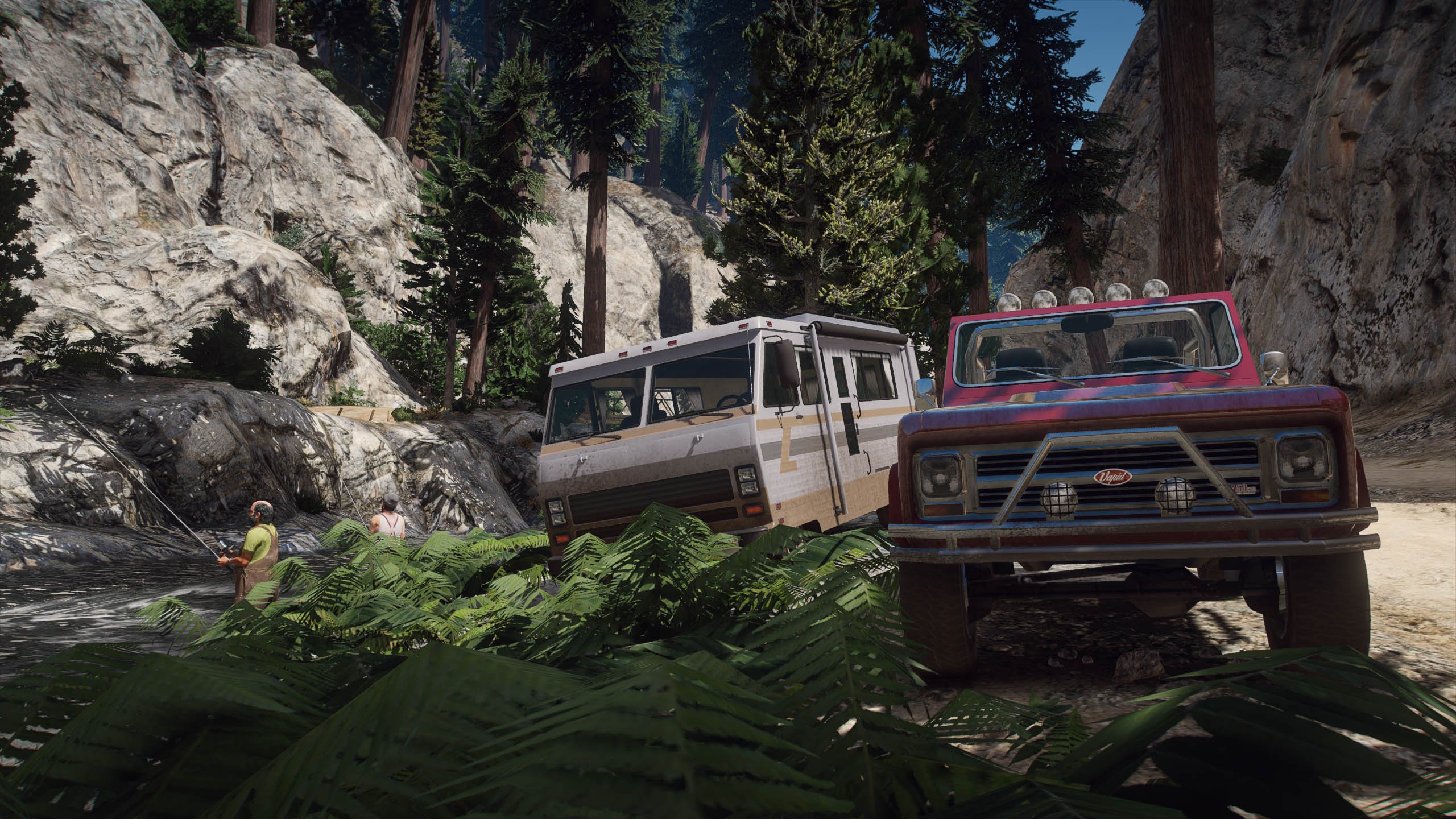
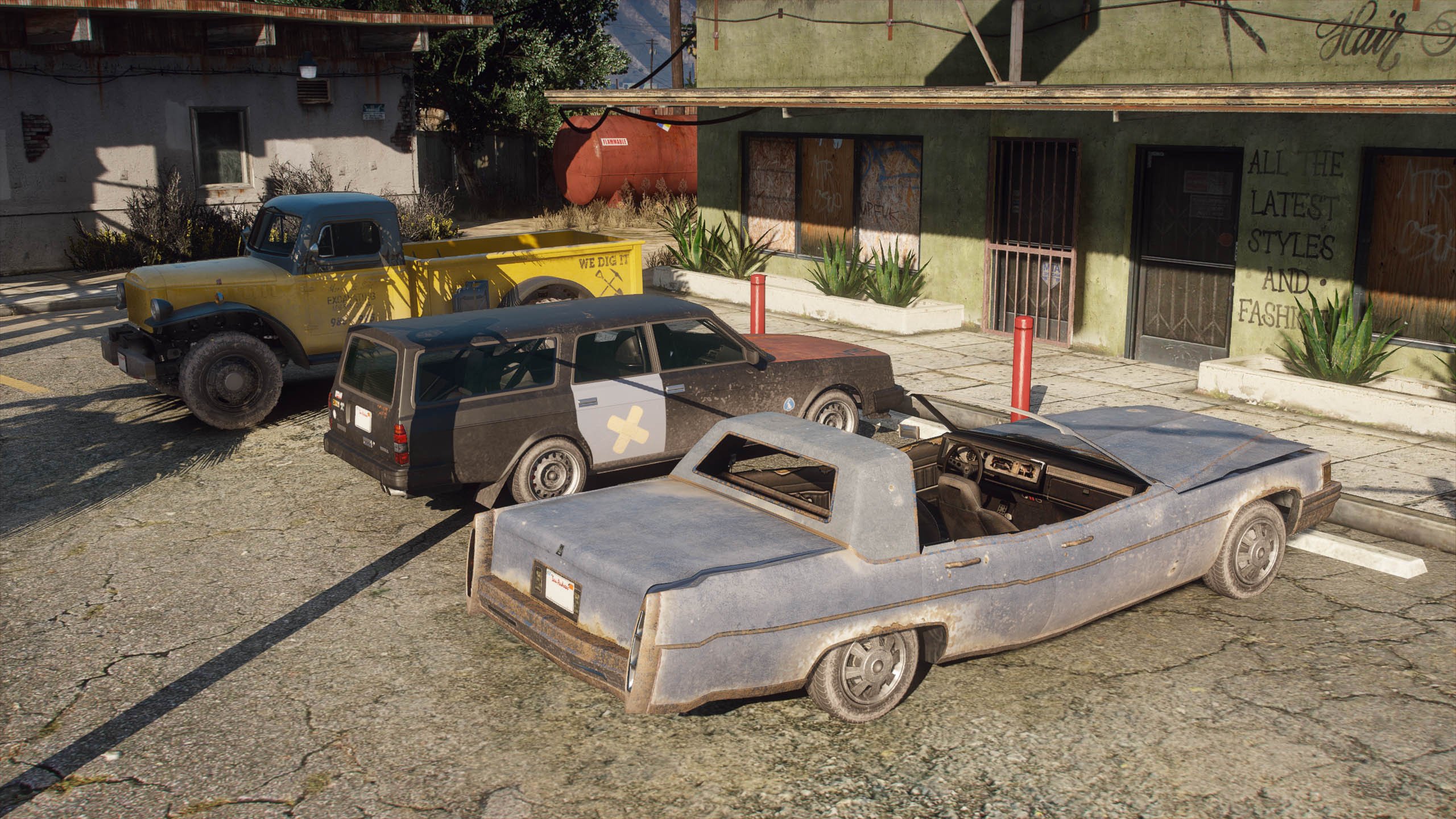
Vanillaworks Extended is an add-on pack which includes a collection of lore-friendly vehicles from various different mod creators.
IMPORTANT INFORMATION:
- This pack will replace the following files:
gameconfig.xml, handling.meta, popcycle.dat, popgroups.ymt, vehicles.meta & vehiclemodelsets.meta mpheist: vehicles.meta mpindependence: vehicles.meta mplowrider: carvariations.meta, handling.meta, vehicles.meta
REQUIREMENTS:
- Game version: 1.0.2372.2 - The Los Santos Tuners Update (Older versions of the game are not supported)
- HeapAdjuster
- Menyoo and/or Simple Trainer
- Mods folder
- Packfile Limit Adjuster
- SirenSetting Limit Adjuster
VEHICLES INCLUDED & OTHER INFORMATION:
The full vehicle list can be found here. The spawn names can be found in the same document.
INSTALLATION:
AUTOMATIC:
1. Open OpenIV
2. Go to Tools -> Package Installer
3. Find the .OIV files that come with this pack
4. Click on the one that you want to install
5. Choose the "mods" folder option and wait for it to finish the installation
6. [OPTIONAL] If you also want to install the other .OIV files, repeat the above steps
MANUAL:
1. Open the "VWE_Optional.oiv", "VWE_Required.oiv" or "VWE_Scenarios.oiv" file with 7Zip/WinRar
2. Open the "assembly.xml" file with Notepad/Notepad++
3. Follow the installation paths and place the files in their correct locations
4. [OPTIONAL] If you also want to install the other .OIV files, repeat the above steps
REPORTING BUGS:
To report a bug, you can either use the comment section found on the mod page, the issue reporting form found here or by posting in the #helpdesk channel on the Vanillaworks Discord server ( https://discord.gg/hPUEChBCeV ). When reporting a bug, please try to be as descriptive as possible. Typing "car broken. fix." will not help anybody.
CHANGELOG:
Mod Changes:
Fixed crash issue on OIV use
Replaced gameconfig with Infinitequestions Infinite Config
Added LS Tuners Vehicles to Traffic and other minor changes
Added Deliverygen mod to VWE_SCE
Content Changes:
Removed BF Injection Raid and Blade Cruiser at Authors Request
Bug Fixes:
Missing Tuning names and parts fixed through carcols on the following:
Admiral Classic
Blista foodcar
Caracara 4x4
Castella
Elegy RH8
Emperor Foodcar
Futo foodcar
Hizoku
Infernus SE Classic
Kuruma Widebody
MF1
MTL Wrecker
Packer
Packer Rollback
Picador EXR
Rapid GTE
Savestra RE
sentinel
Spritzer STR
Sultan Wagon
Surano GT
Torrence
Warrener Coupe
Zion Classic
ZR-380/ZR-380 Custom`
Mule 4x4
Modkit missing in Carvariations fixed on the following:
Faction
Hotring Dukes
Broken Tuning parts removed from the following:
Stratum Coupe
Schwartzer Classic
Fixed Spawn Crash on the following:
Elegy Rally
Stanier Offroad
Minor QOL Changes left un-reported
FREQUENTLY ASKED QUESTIONS:
Q1: I downloaded the .rar archive, but it isn't an .OIV file. How can I install the pack?
- Open the .rar archive with WinRaR (or any other file archiver program), click on the "Vanillaworks Extended - Download links.txt" file, and download the pack from one of the links provided in the file.
Q2: I opened the .rar archive and there’s only “content”, “content.xml” and “icon.png” files inside.
- Update your file archiver (7Zip/WinRaR/etc.) to the latest version.
Q3: I tried to open the .rar archive but it says that the file is corrupted.
- Try opening it with a different file archiver (7Zip instead of WinRaR for example). If that doesn’t work, redownload the pack using one of the mirror links (Google Drive/MediaFire/MEGA) that can be found inside the "Vanillaworks Extended - Download Links.txt" file.
Q4: With this pack installed the game either crashes or freezes during the loading screen.
- You're not on the latest copy of the game or you need to use a different gameconfig.
Q5: With this pack installed I'm not able to complete/start any of the story mode missions.
- Replace the gameconfig.xml file with the one created by F7YO.
Q6: I replaced my gameconfig with the one mentioned above, but I'm still not able to complete/start any missions.
- Temporarily disable your mods folder by going to the main directory of Grand Theft Auto V and renaming your mods folder to "_mods" (without quotations). Then go back ingame, complete the mission(s), save, quit the game, rename your "_mods" folder back to "mods" (without quotations).
Q7: After installing this pack I experience texture loss ingame. How can I fix this?
- It may be that the vehicles included in this pack are too much for your PC to handle. To fix it, you can try restoring the popcycle.dat, popgroups.ymt & vehiclemodelsets.meta files to the original ones to stop the vehicles with high quality liveries from spawning in traffic which should help with the texture loss, but doing that means you won't be able to see any of the pack vehicles spawn in traffic.
Q8: Do the vehicles included in this pack spawn naturally in traffic?
- Yes. Most of the vehicles included in this pack spawn naturally.
Q9: I've installed IVPack, Realism Dispatch Enhanced, World of Variety and/or some other mod that modifies the NPC traffic, and I don't see the vehicles from this pack spawning in traffic anymore. How can I fix this?
- Follow the steps mentioned in the "How to edit popgroups.ymt.txt" file located in the Options - Compatibility Patches folder inside the downloaded Vanillaworks Extended Pack 2.4.rar archive.
Q10: While driving around the game world, I only see a handful of different vehicles in the traffic. How can I increase the variety of the traffic?
- Go to C:\Users\USERNAME\Documents\Rockstar Games\GTA V, open the "settings.xml" file and search for "VehicleVarietyMultiplier", and then increase the value of it to a value between 1.1 and 2.0.
NOTE: This will increase VRAM usage while ingame.
Q11: While driving around the game world, certain newer DLC vehicles despawn as I get close to them. How can I fix this?
- This is caused by the developers of the game adding a script to the game that despawns all newer DLC vehicles in the game once they've spawned in. To get around this, install a trainer such as Menyoo, Simple Trainer or any other trainer that prevents DLC vehicles from despawning.
Q12: I experience random game crashes while traveling around the game world. How can I fix them?
- Replace the popcycle.dat, popgroups.ymt & vehiclemodelsets.meta files with the original ones.
Q13: Is this pack compatible with the GTA 5 Redux mod? If not, will it ever be compatible?
- No. The pack is not compatible with Redux and never will be.
Q14: Where can I see a list of all the vehicles included in this pack?
- Here.
PREVIOUS VERSIONS:
The previous versions of this pack are available here.
NOTE: The pack version that correlates to a specific game version has not been listed anywhere. If you're looking for an older pack version to use on an older game version, you'll need to go through the previous changelogs (linked above at the end of the changelog section) to find out which version of the game the pack supports. If not mentioned, you'll have to manually find the pack version yourself.
PACK PERMISSIONS:
You are allowed to use this pack on your FiveM (or any other multiplayer mod for this game) servers as long as proper credits are given to the people involved in the making of this pack and the peds/vehicles included in it. You must also ask for permission from the creators to include their peds/vehicles on the servers unless otherwise stated on the individual mod pages.
IMPORTANT INFORMATION:
- This pack will replace the following files:
REQUIREMENTS:
- Game version: 1.0.2372.2 - The Los Santos Tuners Update (Older versions of the game are not supported)
- HeapAdjuster
- Menyoo and/or Simple Trainer
- Mods folder
- Packfile Limit Adjuster
- SirenSetting Limit Adjuster
VEHICLES INCLUDED & OTHER INFORMATION:
The full vehicle list can be found here. The spawn names can be found in the same document.
INSTALLATION:
AUTOMATIC:
1. Open OpenIV
2. Go to Tools -> Package Installer
3. Find the .OIV files that come with this pack
4. Click on the one that you want to install
5. Choose the "mods" folder option and wait for it to finish the installation
6. [OPTIONAL] If you also want to install the other .OIV files, repeat the above steps
MANUAL:
1. Open the "VWE_Optional.oiv", "VWE_Required.oiv" or "VWE_Scenarios.oiv" file with 7Zip/WinRar
2. Open the "assembly.xml" file with Notepad/Notepad++
3. Follow the installation paths and place the files in their correct locations
4. [OPTIONAL] If you also want to install the other .OIV files, repeat the above steps
REPORTING BUGS:
To report a bug, you can either use the comment section found on the mod page, the issue reporting form found here or by posting in the #helpdesk channel on the Vanillaworks Discord server ( https://discord.gg/hPUEChBCeV ). When reporting a bug, please try to be as descriptive as possible. Typing "car broken. fix." will not help anybody.
CHANGELOG:
Mod Changes:
Fixed crash issue on OIV use
Replaced gameconfig with Infinitequestions Infinite Config
Added LS Tuners Vehicles to Traffic and other minor changes
Added Deliverygen mod to VWE_SCE
Content Changes:
Removed BF Injection Raid and Blade Cruiser at Authors Request
Bug Fixes:
Missing Tuning names and parts fixed through carcols on the following:
Admiral Classic
Blista foodcar
Caracara 4x4
Castella
Elegy RH8
Emperor Foodcar
Futo foodcar
Hizoku
Infernus SE Classic
Kuruma Widebody
MF1
MTL Wrecker
Packer
Packer Rollback
Picador EXR
Rapid GTE
Savestra RE
sentinel
Spritzer STR
Sultan Wagon
Surano GT
Torrence
Warrener Coupe
Zion Classic
ZR-380/ZR-380 Custom`
Mule 4x4
Modkit missing in Carvariations fixed on the following:
Faction
Hotring Dukes
Broken Tuning parts removed from the following:
Stratum Coupe
Schwartzer Classic
Fixed Spawn Crash on the following:
Elegy Rally
Stanier Offroad
Minor QOL Changes left un-reported
FREQUENTLY ASKED QUESTIONS:
Q1: I downloaded the .rar archive, but it isn't an .OIV file. How can I install the pack?
- Open the .rar archive with WinRaR (or any other file archiver program), click on the "Vanillaworks Extended - Download links.txt" file, and download the pack from one of the links provided in the file.
Q2: I opened the .rar archive and there’s only “content”, “content.xml” and “icon.png” files inside.
- Update your file archiver (7Zip/WinRaR/etc.) to the latest version.
Q3: I tried to open the .rar archive but it says that the file is corrupted.
- Try opening it with a different file archiver (7Zip instead of WinRaR for example). If that doesn’t work, redownload the pack using one of the mirror links (Google Drive/MediaFire/MEGA) that can be found inside the "Vanillaworks Extended - Download Links.txt" file.
Q4: With this pack installed the game either crashes or freezes during the loading screen.
- You're not on the latest copy of the game or you need to use a different gameconfig.
Q5: With this pack installed I'm not able to complete/start any of the story mode missions.
- Replace the gameconfig.xml file with the one created by F7YO.
Q6: I replaced my gameconfig with the one mentioned above, but I'm still not able to complete/start any missions.
- Temporarily disable your mods folder by going to the main directory of Grand Theft Auto V and renaming your mods folder to "_mods" (without quotations). Then go back ingame, complete the mission(s), save, quit the game, rename your "_mods" folder back to "mods" (without quotations).
Q7: After installing this pack I experience texture loss ingame. How can I fix this?
- It may be that the vehicles included in this pack are too much for your PC to handle. To fix it, you can try restoring the popcycle.dat, popgroups.ymt & vehiclemodelsets.meta files to the original ones to stop the vehicles with high quality liveries from spawning in traffic which should help with the texture loss, but doing that means you won't be able to see any of the pack vehicles spawn in traffic.
Q8: Do the vehicles included in this pack spawn naturally in traffic?
- Yes. Most of the vehicles included in this pack spawn naturally.
Q9: I've installed IVPack, Realism Dispatch Enhanced, World of Variety and/or some other mod that modifies the NPC traffic, and I don't see the vehicles from this pack spawning in traffic anymore. How can I fix this?
- Follow the steps mentioned in the "How to edit popgroups.ymt.txt" file located in the Options - Compatibility Patches folder inside the downloaded Vanillaworks Extended Pack 2.4.rar archive.
Q10: While driving around the game world, I only see a handful of different vehicles in the traffic. How can I increase the variety of the traffic?
- Go to C:\Users\USERNAME\Documents\Rockstar Games\GTA V, open the "settings.xml" file and search for "VehicleVarietyMultiplier", and then increase the value of it to a value between 1.1 and 2.0.
NOTE: This will increase VRAM usage while ingame.
Q11: While driving around the game world, certain newer DLC vehicles despawn as I get close to them. How can I fix this?
- This is caused by the developers of the game adding a script to the game that despawns all newer DLC vehicles in the game once they've spawned in. To get around this, install a trainer such as Menyoo, Simple Trainer or any other trainer that prevents DLC vehicles from despawning.
Q12: I experience random game crashes while traveling around the game world. How can I fix them?
- Replace the popcycle.dat, popgroups.ymt & vehiclemodelsets.meta files with the original ones.
Q13: Is this pack compatible with the GTA 5 Redux mod? If not, will it ever be compatible?
- No. The pack is not compatible with Redux and never will be.
Q14: Where can I see a list of all the vehicles included in this pack?
- Here.
PREVIOUS VERSIONS:
The previous versions of this pack are available here.
NOTE: The pack version that correlates to a specific game version has not been listed anywhere. If you're looking for an older pack version to use on an older game version, you'll need to go through the previous changelogs (linked above at the end of the changelog section) to find out which version of the game the pack supports. If not mentioned, you'll have to manually find the pack version yourself.
PACK PERMISSIONS:
You are allowed to use this pack on your FiveM (or any other multiplayer mod for this game) servers as long as proper credits are given to the people involved in the making of this pack and the peds/vehicles included in it. You must also ask for permission from the creators to include their peds/vehicles on the servers unless otherwise stated on the individual mod pages.
Primul incarcat: 12 August 2017
Ultimul incarcat: 05 Octombrie 2021
Last Downloaded: 5 seconds ago
4.332 Comentarii
More mods by Vanillaworks and other modders:
Vanillaworks Extended is an add-on pack which includes a collection of lore-friendly vehicles from various different mod creators.
IMPORTANT INFORMATION:
- This pack will replace the following files:
gameconfig.xml, handling.meta, popcycle.dat, popgroups.ymt, vehicles.meta & vehiclemodelsets.meta mpheist: vehicles.meta mpindependence: vehicles.meta mplowrider: carvariations.meta, handling.meta, vehicles.meta
REQUIREMENTS:
- Game version: 1.0.2372.2 - The Los Santos Tuners Update (Older versions of the game are not supported)
- HeapAdjuster
- Menyoo and/or Simple Trainer
- Mods folder
- Packfile Limit Adjuster
- SirenSetting Limit Adjuster
VEHICLES INCLUDED & OTHER INFORMATION:
The full vehicle list can be found here. The spawn names can be found in the same document.
INSTALLATION:
AUTOMATIC:
1. Open OpenIV
2. Go to Tools -> Package Installer
3. Find the .OIV files that come with this pack
4. Click on the one that you want to install
5. Choose the "mods" folder option and wait for it to finish the installation
6. [OPTIONAL] If you also want to install the other .OIV files, repeat the above steps
MANUAL:
1. Open the "VWE_Optional.oiv", "VWE_Required.oiv" or "VWE_Scenarios.oiv" file with 7Zip/WinRar
2. Open the "assembly.xml" file with Notepad/Notepad++
3. Follow the installation paths and place the files in their correct locations
4. [OPTIONAL] If you also want to install the other .OIV files, repeat the above steps
REPORTING BUGS:
To report a bug, you can either use the comment section found on the mod page, the issue reporting form found here or by posting in the #helpdesk channel on the Vanillaworks Discord server ( https://discord.gg/hPUEChBCeV ). When reporting a bug, please try to be as descriptive as possible. Typing "car broken. fix." will not help anybody.
CHANGELOG:
Mod Changes:
Fixed crash issue on OIV use
Replaced gameconfig with Infinitequestions Infinite Config
Added LS Tuners Vehicles to Traffic and other minor changes
Added Deliverygen mod to VWE_SCE
Content Changes:
Removed BF Injection Raid and Blade Cruiser at Authors Request
Bug Fixes:
Missing Tuning names and parts fixed through carcols on the following:
Admiral Classic
Blista foodcar
Caracara 4x4
Castella
Elegy RH8
Emperor Foodcar
Futo foodcar
Hizoku
Infernus SE Classic
Kuruma Widebody
MF1
MTL Wrecker
Packer
Packer Rollback
Picador EXR
Rapid GTE
Savestra RE
sentinel
Spritzer STR
Sultan Wagon
Surano GT
Torrence
Warrener Coupe
Zion Classic
ZR-380/ZR-380 Custom`
Mule 4x4
Modkit missing in Carvariations fixed on the following:
Faction
Hotring Dukes
Broken Tuning parts removed from the following:
Stratum Coupe
Schwartzer Classic
Fixed Spawn Crash on the following:
Elegy Rally
Stanier Offroad
Minor QOL Changes left un-reported
FREQUENTLY ASKED QUESTIONS:
Q1: I downloaded the .rar archive, but it isn't an .OIV file. How can I install the pack?
- Open the .rar archive with WinRaR (or any other file archiver program), click on the "Vanillaworks Extended - Download links.txt" file, and download the pack from one of the links provided in the file.
Q2: I opened the .rar archive and there’s only “content”, “content.xml” and “icon.png” files inside.
- Update your file archiver (7Zip/WinRaR/etc.) to the latest version.
Q3: I tried to open the .rar archive but it says that the file is corrupted.
- Try opening it with a different file archiver (7Zip instead of WinRaR for example). If that doesn’t work, redownload the pack using one of the mirror links (Google Drive/MediaFire/MEGA) that can be found inside the "Vanillaworks Extended - Download Links.txt" file.
Q4: With this pack installed the game either crashes or freezes during the loading screen.
- You're not on the latest copy of the game or you need to use a different gameconfig.
Q5: With this pack installed I'm not able to complete/start any of the story mode missions.
- Replace the gameconfig.xml file with the one created by F7YO.
Q6: I replaced my gameconfig with the one mentioned above, but I'm still not able to complete/start any missions.
- Temporarily disable your mods folder by going to the main directory of Grand Theft Auto V and renaming your mods folder to "_mods" (without quotations). Then go back ingame, complete the mission(s), save, quit the game, rename your "_mods" folder back to "mods" (without quotations).
Q7: After installing this pack I experience texture loss ingame. How can I fix this?
- It may be that the vehicles included in this pack are too much for your PC to handle. To fix it, you can try restoring the popcycle.dat, popgroups.ymt & vehiclemodelsets.meta files to the original ones to stop the vehicles with high quality liveries from spawning in traffic which should help with the texture loss, but doing that means you won't be able to see any of the pack vehicles spawn in traffic.
Q8: Do the vehicles included in this pack spawn naturally in traffic?
- Yes. Most of the vehicles included in this pack spawn naturally.
Q9: I've installed IVPack, Realism Dispatch Enhanced, World of Variety and/or some other mod that modifies the NPC traffic, and I don't see the vehicles from this pack spawning in traffic anymore. How can I fix this?
- Follow the steps mentioned in the "How to edit popgroups.ymt.txt" file located in the Options - Compatibility Patches folder inside the downloaded Vanillaworks Extended Pack 2.4.rar archive.
Q10: While driving around the game world, I only see a handful of different vehicles in the traffic. How can I increase the variety of the traffic?
- Go to C:\Users\USERNAME\Documents\Rockstar Games\GTA V, open the "settings.xml" file and search for "VehicleVarietyMultiplier", and then increase the value of it to a value between 1.1 and 2.0.
NOTE: This will increase VRAM usage while ingame.
Q11: While driving around the game world, certain newer DLC vehicles despawn as I get close to them. How can I fix this?
- This is caused by the developers of the game adding a script to the game that despawns all newer DLC vehicles in the game once they've spawned in. To get around this, install a trainer such as Menyoo, Simple Trainer or any other trainer that prevents DLC vehicles from despawning.
Q12: I experience random game crashes while traveling around the game world. How can I fix them?
- Replace the popcycle.dat, popgroups.ymt & vehiclemodelsets.meta files with the original ones.
Q13: Is this pack compatible with the GTA 5 Redux mod? If not, will it ever be compatible?
- No. The pack is not compatible with Redux and never will be.
Q14: Where can I see a list of all the vehicles included in this pack?
- Here.
PREVIOUS VERSIONS:
The previous versions of this pack are available here.
NOTE: The pack version that correlates to a specific game version has not been listed anywhere. If you're looking for an older pack version to use on an older game version, you'll need to go through the previous changelogs (linked above at the end of the changelog section) to find out which version of the game the pack supports. If not mentioned, you'll have to manually find the pack version yourself.
PACK PERMISSIONS:
You are allowed to use this pack on your FiveM (or any other multiplayer mod for this game) servers as long as proper credits are given to the people involved in the making of this pack and the peds/vehicles included in it. You must also ask for permission from the creators to include their peds/vehicles on the servers unless otherwise stated on the individual mod pages.
IMPORTANT INFORMATION:
- This pack will replace the following files:
REQUIREMENTS:
- Game version: 1.0.2372.2 - The Los Santos Tuners Update (Older versions of the game are not supported)
- HeapAdjuster
- Menyoo and/or Simple Trainer
- Mods folder
- Packfile Limit Adjuster
- SirenSetting Limit Adjuster
VEHICLES INCLUDED & OTHER INFORMATION:
The full vehicle list can be found here. The spawn names can be found in the same document.
INSTALLATION:
AUTOMATIC:
1. Open OpenIV
2. Go to Tools -> Package Installer
3. Find the .OIV files that come with this pack
4. Click on the one that you want to install
5. Choose the "mods" folder option and wait for it to finish the installation
6. [OPTIONAL] If you also want to install the other .OIV files, repeat the above steps
MANUAL:
1. Open the "VWE_Optional.oiv", "VWE_Required.oiv" or "VWE_Scenarios.oiv" file with 7Zip/WinRar
2. Open the "assembly.xml" file with Notepad/Notepad++
3. Follow the installation paths and place the files in their correct locations
4. [OPTIONAL] If you also want to install the other .OIV files, repeat the above steps
REPORTING BUGS:
To report a bug, you can either use the comment section found on the mod page, the issue reporting form found here or by posting in the #helpdesk channel on the Vanillaworks Discord server ( https://discord.gg/hPUEChBCeV ). When reporting a bug, please try to be as descriptive as possible. Typing "car broken. fix." will not help anybody.
CHANGELOG:
Mod Changes:
Fixed crash issue on OIV use
Replaced gameconfig with Infinitequestions Infinite Config
Added LS Tuners Vehicles to Traffic and other minor changes
Added Deliverygen mod to VWE_SCE
Content Changes:
Removed BF Injection Raid and Blade Cruiser at Authors Request
Bug Fixes:
Missing Tuning names and parts fixed through carcols on the following:
Admiral Classic
Blista foodcar
Caracara 4x4
Castella
Elegy RH8
Emperor Foodcar
Futo foodcar
Hizoku
Infernus SE Classic
Kuruma Widebody
MF1
MTL Wrecker
Packer
Packer Rollback
Picador EXR
Rapid GTE
Savestra RE
sentinel
Spritzer STR
Sultan Wagon
Surano GT
Torrence
Warrener Coupe
Zion Classic
ZR-380/ZR-380 Custom`
Mule 4x4
Modkit missing in Carvariations fixed on the following:
Faction
Hotring Dukes
Broken Tuning parts removed from the following:
Stratum Coupe
Schwartzer Classic
Fixed Spawn Crash on the following:
Elegy Rally
Stanier Offroad
Minor QOL Changes left un-reported
FREQUENTLY ASKED QUESTIONS:
Q1: I downloaded the .rar archive, but it isn't an .OIV file. How can I install the pack?
- Open the .rar archive with WinRaR (or any other file archiver program), click on the "Vanillaworks Extended - Download links.txt" file, and download the pack from one of the links provided in the file.
Q2: I opened the .rar archive and there’s only “content”, “content.xml” and “icon.png” files inside.
- Update your file archiver (7Zip/WinRaR/etc.) to the latest version.
Q3: I tried to open the .rar archive but it says that the file is corrupted.
- Try opening it with a different file archiver (7Zip instead of WinRaR for example). If that doesn’t work, redownload the pack using one of the mirror links (Google Drive/MediaFire/MEGA) that can be found inside the "Vanillaworks Extended - Download Links.txt" file.
Q4: With this pack installed the game either crashes or freezes during the loading screen.
- You're not on the latest copy of the game or you need to use a different gameconfig.
Q5: With this pack installed I'm not able to complete/start any of the story mode missions.
- Replace the gameconfig.xml file with the one created by F7YO.
Q6: I replaced my gameconfig with the one mentioned above, but I'm still not able to complete/start any missions.
- Temporarily disable your mods folder by going to the main directory of Grand Theft Auto V and renaming your mods folder to "_mods" (without quotations). Then go back ingame, complete the mission(s), save, quit the game, rename your "_mods" folder back to "mods" (without quotations).
Q7: After installing this pack I experience texture loss ingame. How can I fix this?
- It may be that the vehicles included in this pack are too much for your PC to handle. To fix it, you can try restoring the popcycle.dat, popgroups.ymt & vehiclemodelsets.meta files to the original ones to stop the vehicles with high quality liveries from spawning in traffic which should help with the texture loss, but doing that means you won't be able to see any of the pack vehicles spawn in traffic.
Q8: Do the vehicles included in this pack spawn naturally in traffic?
- Yes. Most of the vehicles included in this pack spawn naturally.
Q9: I've installed IVPack, Realism Dispatch Enhanced, World of Variety and/or some other mod that modifies the NPC traffic, and I don't see the vehicles from this pack spawning in traffic anymore. How can I fix this?
- Follow the steps mentioned in the "How to edit popgroups.ymt.txt" file located in the Options - Compatibility Patches folder inside the downloaded Vanillaworks Extended Pack 2.4.rar archive.
Q10: While driving around the game world, I only see a handful of different vehicles in the traffic. How can I increase the variety of the traffic?
- Go to C:\Users\USERNAME\Documents\Rockstar Games\GTA V, open the "settings.xml" file and search for "VehicleVarietyMultiplier", and then increase the value of it to a value between 1.1 and 2.0.
NOTE: This will increase VRAM usage while ingame.
Q11: While driving around the game world, certain newer DLC vehicles despawn as I get close to them. How can I fix this?
- This is caused by the developers of the game adding a script to the game that despawns all newer DLC vehicles in the game once they've spawned in. To get around this, install a trainer such as Menyoo, Simple Trainer or any other trainer that prevents DLC vehicles from despawning.
Q12: I experience random game crashes while traveling around the game world. How can I fix them?
- Replace the popcycle.dat, popgroups.ymt & vehiclemodelsets.meta files with the original ones.
Q13: Is this pack compatible with the GTA 5 Redux mod? If not, will it ever be compatible?
- No. The pack is not compatible with Redux and never will be.
Q14: Where can I see a list of all the vehicles included in this pack?
- Here.
PREVIOUS VERSIONS:
The previous versions of this pack are available here.
NOTE: The pack version that correlates to a specific game version has not been listed anywhere. If you're looking for an older pack version to use on an older game version, you'll need to go through the previous changelogs (linked above at the end of the changelog section) to find out which version of the game the pack supports. If not mentioned, you'll have to manually find the pack version yourself.
PACK PERMISSIONS:
You are allowed to use this pack on your FiveM (or any other multiplayer mod for this game) servers as long as proper credits are given to the people involved in the making of this pack and the peds/vehicles included in it. You must also ask for permission from the creators to include their peds/vehicles on the servers unless otherwise stated on the individual mod pages.
Primul incarcat: 12 August 2017
Ultimul incarcat: 05 Octombrie 2021
Last Downloaded: 5 seconds ago
 5mods on Discord

Huge thanks to @ItsJustCurtis for doing all the work on this update to the pack. The pack is now fully working with the latest game version, as well as many of the bugs present in the previous version have been fixed.
If you come across a bug or need help with something, feel free to post about it either in the comment section below or in the #helpdesk channel on the Vanillaworks Discord server ( https://discord.gg/hPUEChBCeV ).
CHANGELOG FOR VERSION 2.5:
Mod Changes:
Fixed crash issue on OIV use
Replaced gameconfig with Infinitequestions Infinite Config
Added LS Tuners Vehicles to Traffic and other minor changes
Added Deliverygen mod to VWE_SCE
Content Changes:
Removed BF Injection Raid and Blade Cruiser at Authors Request
Bug Fixes:
Missing Tuning names and parts fixed through carcols on the following:
Admiral Classic
Blista foodcar
Caracara 4x4
Castella
Elegy RH8
Emperor Foodcar
Futo foodcar
Hizoku
Infernus SE Classic
Kuruma Widebody
MF1
MTL Wrecker
Packer
Packer Rollback
Picador EXR
Rapid GTE
Savestra RE
sentinel
Spritzer STR
Sultan Wagon
Surano GT
Torrence
Warrener Coupe
Zion Classic
ZR-380/ZR-380 Custom`
Mule 4x4
Modkit missing in Carvariations fixed on the following:
Faction
Hotring Dukes
Broken Tuning parts removed from the following:
Stratum Coupe
Schwartzer Classic
Fixed Spawn Crash on the following:
Elegy Rally
Stanier Offroad
Minor QOL Changes left un-reported
Hello,
How can i contact you? Via Discord or else?
@Carrythxd the mod is good e its working, just need replace a gameconfig, however, i dont getting a variations of cars and vans, trucks, same having alterate in settings.xml change VehicleVariety of 1.000 or 2.000, to 15.0000 or 20.000 (Documents\Rockstar Games), i dont getting variations of businesses on trucks ,
vans
Dude, the game is loading on a black screen.
DON'T DOWNLOAD IT, IT WILL BREAK YOUR GAME!
nope it does not break your game, stop being dumb and install the mod correctly, and use a decent gameconfig @GabiRPacheco
Is there's way to make the added cars spawn in the game or how can I make I hope someone respond to me in fastest time
@Ali Hany 12345 Yep! It does this automatically when installing the OIV
@gustavoid ok now I should do this install the required first and optional or required only wating for your respond
@Ali hany 12345 I recommend installing both, if you get a black screen use the gameconfig of your game version
@gustavoid ok I'll try
@Ghostzx I already have a gameconfig**
Perfeito! Mod muito bem feito, bastante veículos, trás muito mais diversão ao andar pelas ruas de Los Santos e ter variedades de veículos diferentes.
@GabiRPacheco, use a different game config, install the mod on a clean and original version of gta v
im currently running this + dispatch works and multiple other mods, i got 2-3 hours of gameplay with only 1 crash
mod works. i installed using the .OIV, replaced the gameconfig with this: https://www.gta5-mods.com/misc/gta-5-gameconfig-300-cars and i added Item>dlcpacks:/vwe_req/</Item> in the dlclist.xml
only problem i have is that the cars despawn a lil after i spawn em or drive em around.
Don't donwload my game is ruined. I try every thing with gameconfig but no one worked
dies this work for the current enhanced version?
i did this a million times, i used all different gameconfigs even the ones recommended and im still stuck on a black screen when i load the game up
The mod still works; it just needs a little tweaking. I am currently running this with the RDE and LCPP mods, incorporating my own edits to get everything working together, including a shit ton of map edit mods. Here's a little guide to get this working!
Please keep in mind, I do not claim to be a saint and fix all of the issues this mod brings, as it is HIGHLY outdated (the last update was when Cayo Perico came out, that was ages ago). I'm only making this guide to explain how you can get this mod to functionally work with the current game version.
1. Install this mod, including the optional and scenario stuff if you want any. (Note: I recommend doing so on a fresh vanilla copy of the game. I can't promise you won't run into any issues otherwise, since modding GTA is a pain in the ass, and the smallest changes can break the game entirely.)
2. Install a modern gameconfig (This is REQUIRED, since the mod includes an outdated gameconfig that hasn't been updated since 2021, so obviously it's not going to load. I recommend the two below:)
https://www.gta5-mods.com/misc/gta-5-gameconfig-300-cars OR https://github.com/pnwparksfan/gameconfig/releases (This is the one I use, plus some edits on my end to prevent the game from crashing with the other mods I have installed. If you don't have other mods installed, you probably don't need to worry about any editing. However, if you do, or the game still crashes, use this https://www.gta5-mods.com/tools/poolmanager-dilapidated to find which attribute needs increasing, then raise that attribute inside the gameconfig.)
3. Install these!
https://www.gta5-mods.com/tools/heapadjuster
https://www.gta5-mods.com/tools/packfile-limit-adjuster
https://www.gta5-mods.com/tools/ymap-load-list-extent-limit-fix-fwboxstreamervariable-patch (Not required, but recommended to fix LOD issues if you have any, especially noticeable when having big mods like NVE, Forest of San Andreas, etc.)
4. Install the "Packfile & Heap Adjusters & fwBoxStreamerVariable and decals INI files v5.0" located in https://www.gta5-mods.com/misc/gta-5-gameconfig-300-cars
5. Pray!
6. Game should load and have fun!
Lastly, there are some things you should know about this mod. Again, as you can see by the date, it hasn't been updated in ages, so expect the following issues:
-Vehicle bugs (like collision issues, outdated assets, etc. A lot )
-Starting a new game, loading a current save, or loading the game after completing a mission will crash the game (don't know what's causing this)
-GTA Effect (A lot of the same vehicles will spawn in traffic, not much you can do about this)
-If you want to install more mods, be careful not to install anything related to traffic, as it will prevent any vehicles this mod adds from spawning. Also, keep in my that the more mods you install, the less stable the game becomes before it reaches the limit of unplayable. Mods that add tons of vehicles or map-related enhancements are known to be heavy on the game, especially if you have a shitty pc. It will have a noticeable impact on your experience if you aren't careful with what and how much you have installed.
Hopefully this helps!
why did you make this download just a text file full of links instead of just having the pack downloadable from here? the websites look sketch as hell and the reviews are mixed
The mod is all about add on cars only
All it does do is
Add the pony trucks with different way
The super cars and muscle and others does not spawn this mod is all about add on cars